

















 En
EnStep 1: Access the Shopify admin, select Locations, and click Add new inventory location.
Click to enter the Shopify admin, select the location, and click “Add new inventory location” for Hangzhou. You will see that the new inventory location has been created.
Step 2: Click on Dispatch and Shipping to modify the order routing, delivery charges, and delivery zones.
If a product is only in stock in Hangzhou but has no delivery charges or delivery zones configured, it cannot be purchased.
Click Shipping to set delivery charges for the product

Click “Add Rate” at the corresponding location at the bottom.


Modify order routing: if an item has stock available across multiple locations, utilise the inventory according to the priority set in the order routing configuration.。


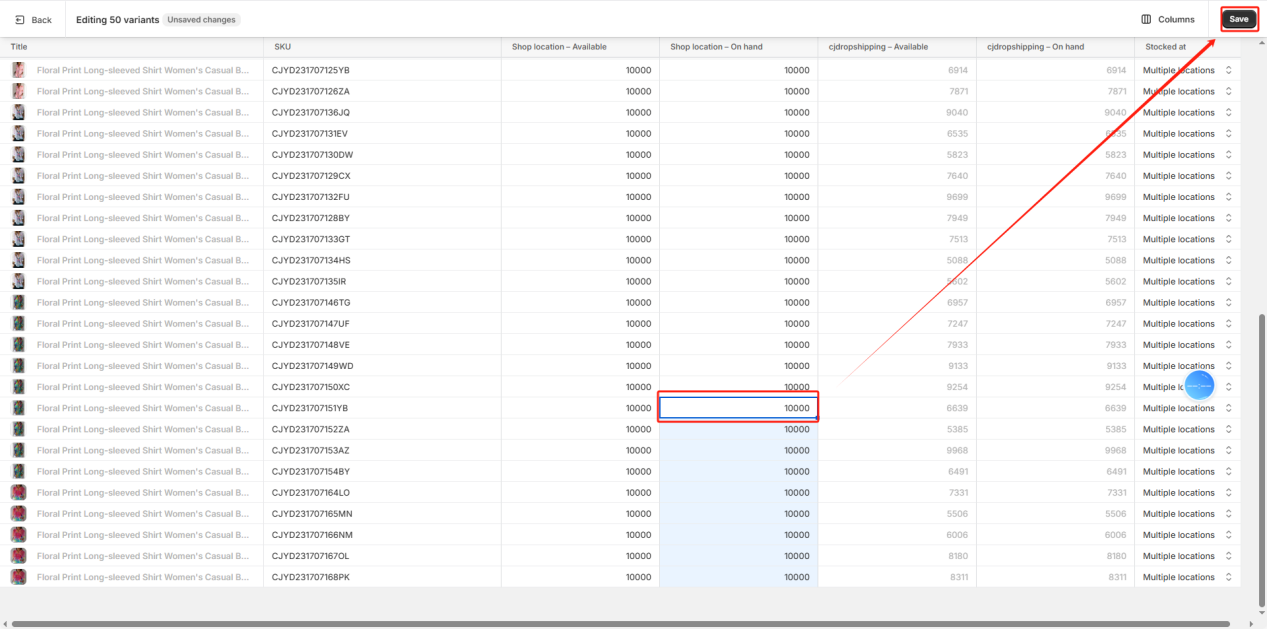
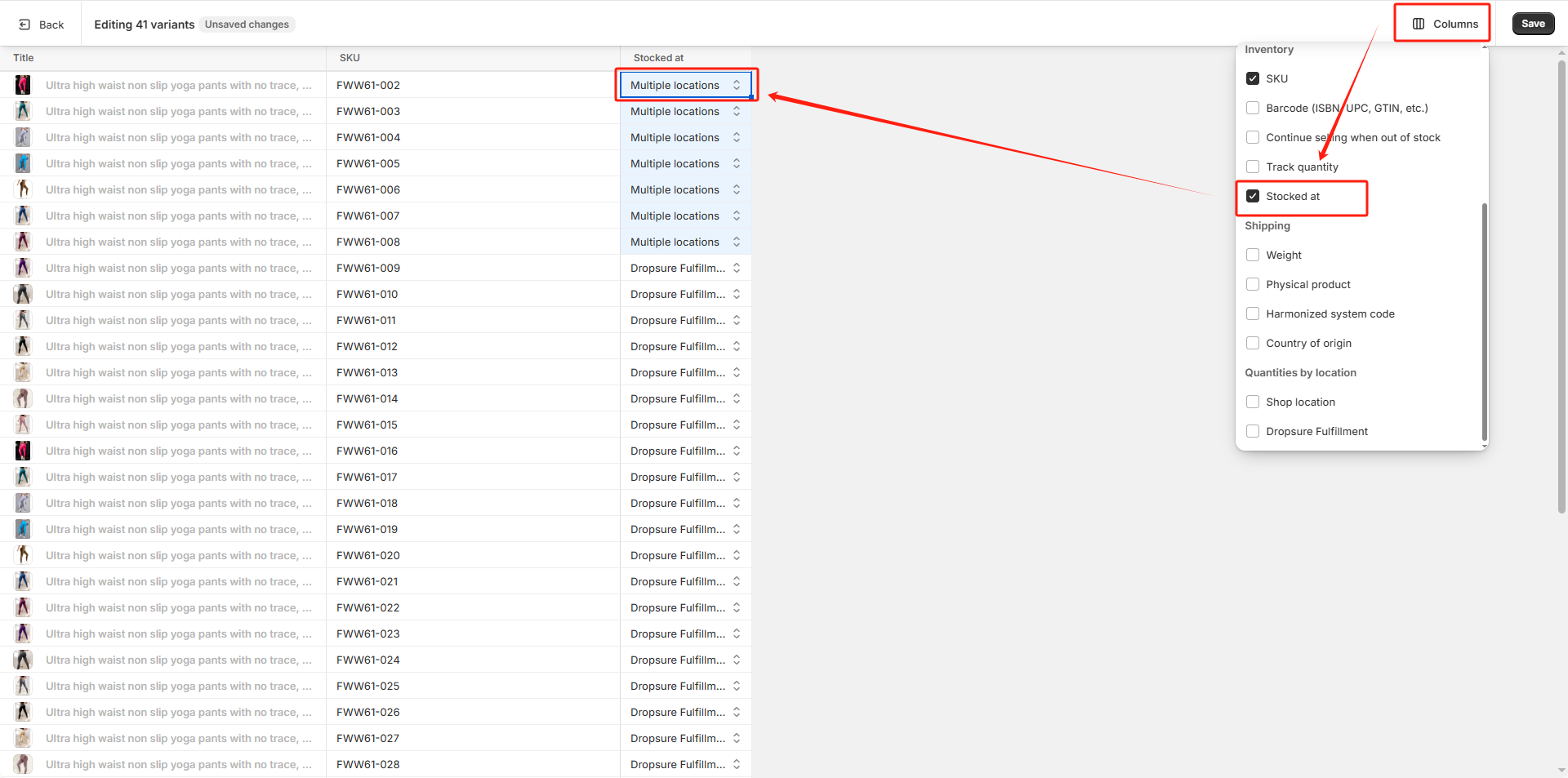
Step 3: Click on the product to allocate its inventory to the Hangzhou stock location.


Step 4: You can now see that the product is available for purchase.
Although this Christmas tree item has stock in both Hangzhou and the shop location, the order inventory utilises the Hangzhou stock. This allocation follows the order routing priority we have configured.


